Configure the MOXA TSN Switch#
Overview#
The MOXA TSN-G5000 Series is a family of industrial Ethernet switches designed for Time-Sensitive Networking (TSN) applications. These switches combine traditional managed switch capabilities with advanced TSN features defined in IEEE 802.1 standards, making them ideal for real-time automation, industrial vision systems, and edge AI workloads where deterministic delivery of critical data is essential.
In this sample application, the TSN-G5000 switch serves as the central network fabric connecting multiple RTSP cameras, edge processing nodes, sensor producers, and a traffic generator. It enables both traffic isolation and scheduled forwarding to guarantee consistent performance under mixed traffic conditions.
Accessing the Web Interface#
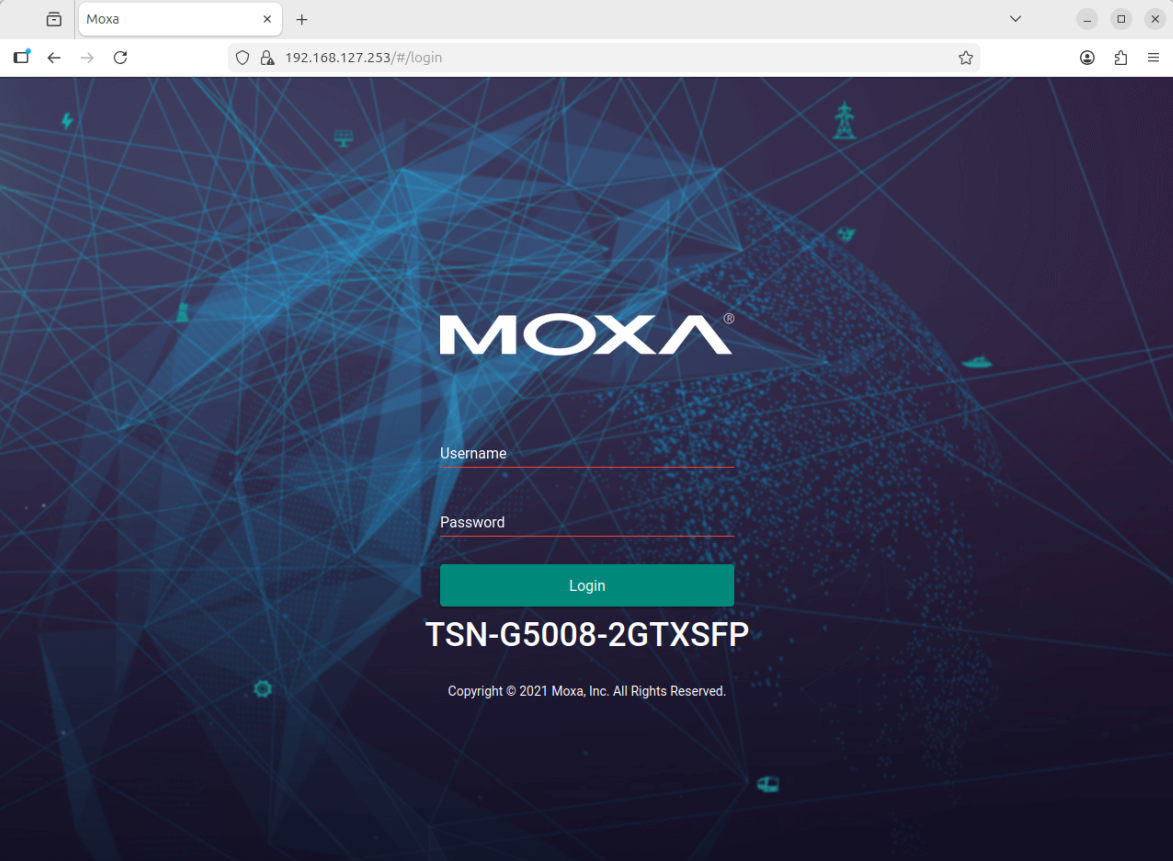
To configure the switch, you will need to access its web-based management interface.
Note: On reset, the MOXA TSN switch will have the default IP address
192.168.127.253. Make sure your computer is in the same subnet to access the web interface. The default username isadminand the default password ismoxa.
Further Reading#
For more detailed information, refer to the official Moxa Managed Switch TSN-G5000 Series User Manual.