Deploy the vLLM Service for Defect Explanation#
This section shows how to deploy the multimodal sample application with the vLLM service enabled using the Makefile targets.
Minimum System Requirements#
In addition to the minimum requirements and software requirements of the sample application, the vLLM service requires the following:
Component |
Minimum Requirement |
|---|---|
Hardware |
Intel® Core™ Ultra Series 3 processor or newer only |
RAM |
Minimum 32 GB |
Storage |
Minimum 256 GB (512 GB recommended) |
Validated Platforms#
Product / Family |
Validated inference device |
|---|---|
Intel® Core™ Ultra Processors Series 3 (Intel Core Ultra 7 356H, 16 Cores, 32GB) |
iGPU |
Prerequisites#
Ensure the
.envfile is configured with valid values for:HOST_IPINFLUXDB_USERNAME,INFLUXDB_PASSWORDVISUALIZER_GRAFANA_USER,VISUALIZER_GRAFANA_PASSWORDMTX_WEBRTCICESERVERS2_0_USERNAME,MTX_WEBRTCICESERVERS2_0_PASSWORDS3_STORAGE_USERNAME,S3_STORAGE_PASSWORDSEAWEEDFS_WEB_AUTH_USER,SEAWEEDFS_WEB_AUTH_PASSWORD
Download Models#
This section shows how to download the Unsloth Qwen3.5-2B model and Unsloth Qwen3.5-2B fine-tuned LoRA adapter.
Review and accept the Unsloth Qwen3.5-2B license before downloading.
Note
The Low-Rank Adaptation (LoRA) adapter was specifically trained on a subset of the Intel Robotic Welding Multimodal Dataset and may not generalize to generic weld datasets.
Go to the root folder of the multimodal sample app:
cd industrial-edge-insights-multimodal
Download the model and adapter:
mkdir -p configs/vllm/huggingface configs/vllm/models && \
cd configs/vllm/ && \
rm -rf .modelenv && \
python3 -m venv .modelenv && \
source .modelenv/bin/activate && \
pip3 install huggingface_hub==1.23.0 && \
rm -rf huggingface models && \
hf download unsloth/Qwen3.5-2B \
    --local-dir ./huggingface/Qwen3.5-2B && \
hf download Intel/qwen3.5-2b-vlm-weld-explainability-lora \
    --local-dir ./models/qwen3.5-2b-vlm-weld-explainability-lora && \
deactivate && \
cd ../..
Deploy the vLLM Service#
Note
vLLM preallocates GPU-addressable memory up to the limit specified by
VLLM_GPU_MEMORY_UTILIZATION (VRAM on discrete GPU; shared system memory on integrated GPU).
Since the optimal value varies between platforms, update VLLM_GPU_MEMORY_UTILIZATION in
the .env file to match your target hardware.
Run the Makefile target:
cd industrial-edge-insights-multimodal
make up_vllm
(Optional) To build from source instead of deploying the pre-built artifacts, run the following for a fresh build before deployment:
cd industrial-edge-insights-multimodal
make build
make up_vllm
Verify the Deployment#
Check the overall stack health:
Note
The command
make statusmay show errors in containers likeia-grafanaif you have not logged in to the Grafana dashboard for the first time, or if your session has timed out. Log in to the Grafana dashboard, and if the dashboard works correctly, ignoreuser token not foundand other minor errors in the Grafana logs.cd industrial-edge-insights-multimodal make status
Confirm that the vLLM container is running:
docker ps --filter "name=vllm-server"
Inspect vLLM logs:
docker logs -f vllm-server
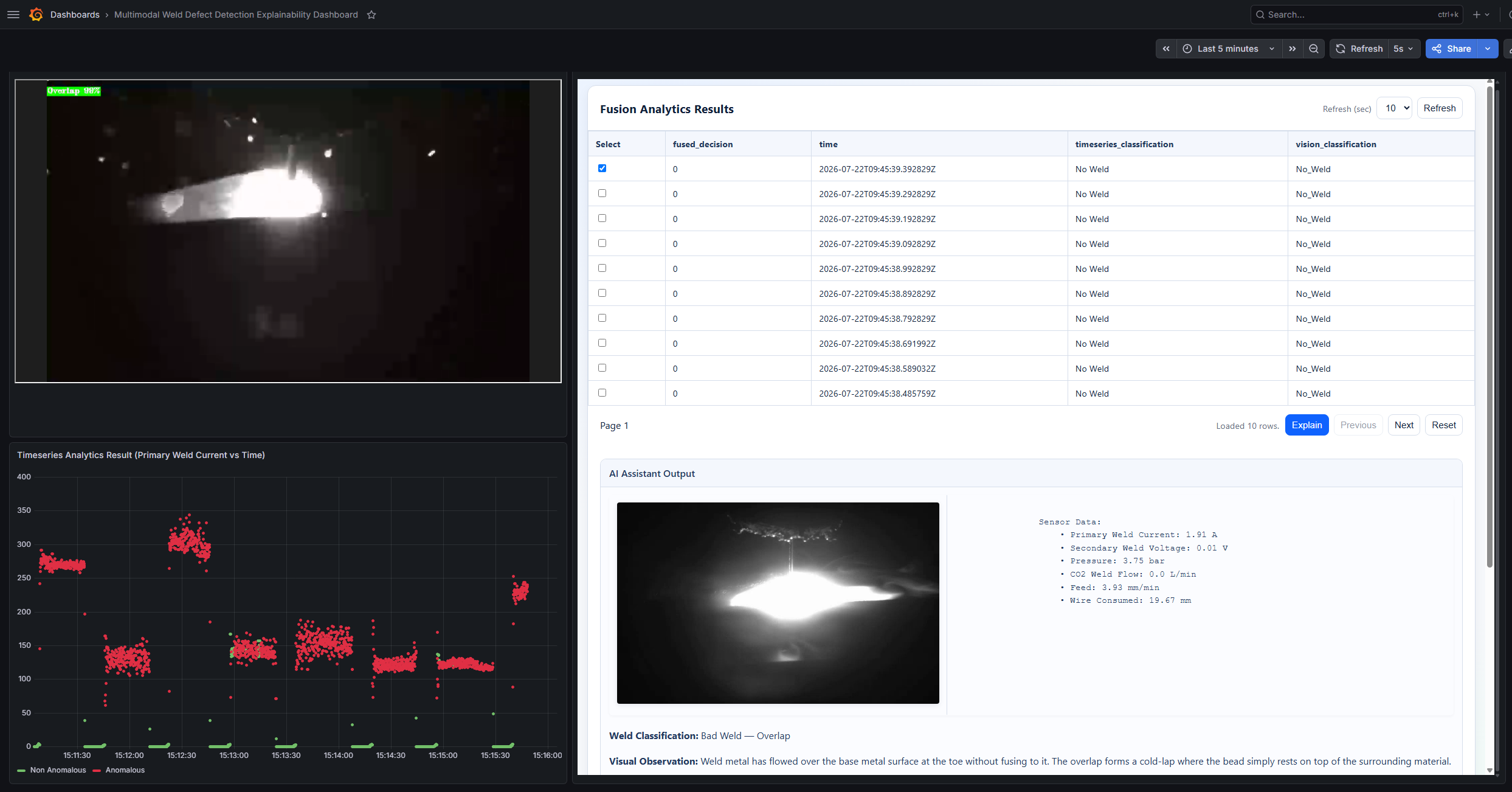
Check the output in Grafana dashboard:
Use the link
https://127.0.0.1:3000to open the Grafana dashboard in a browser, preferably the Chrome browser.Log in to the Grafana dashboard using the
VISUALIZER_GRAFANA_USERandVISUALIZER_GRAFANA_PASSWORDvalues from the.envfile: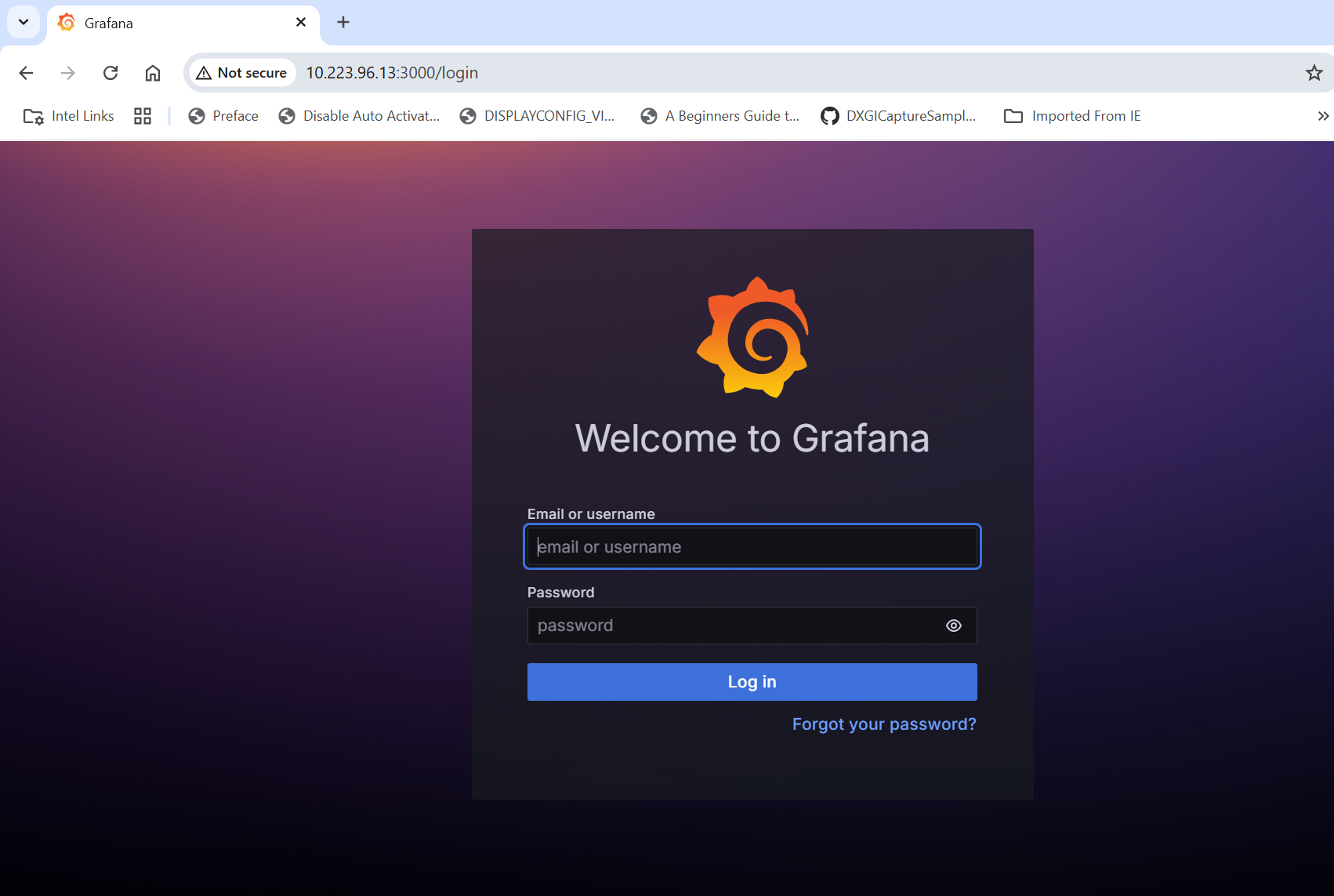
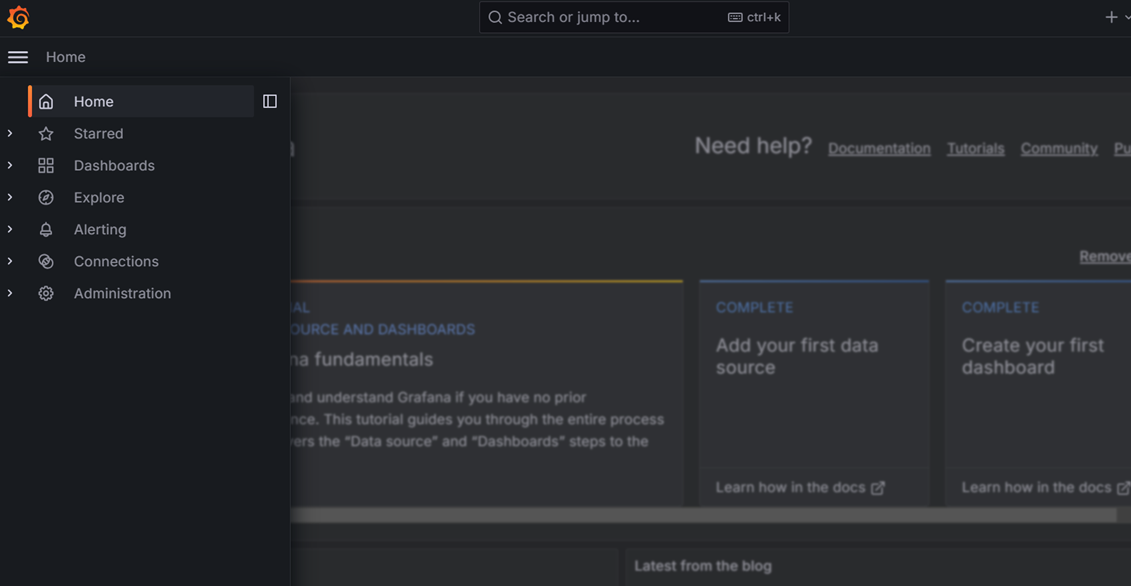
After logging in, click Dashboards:
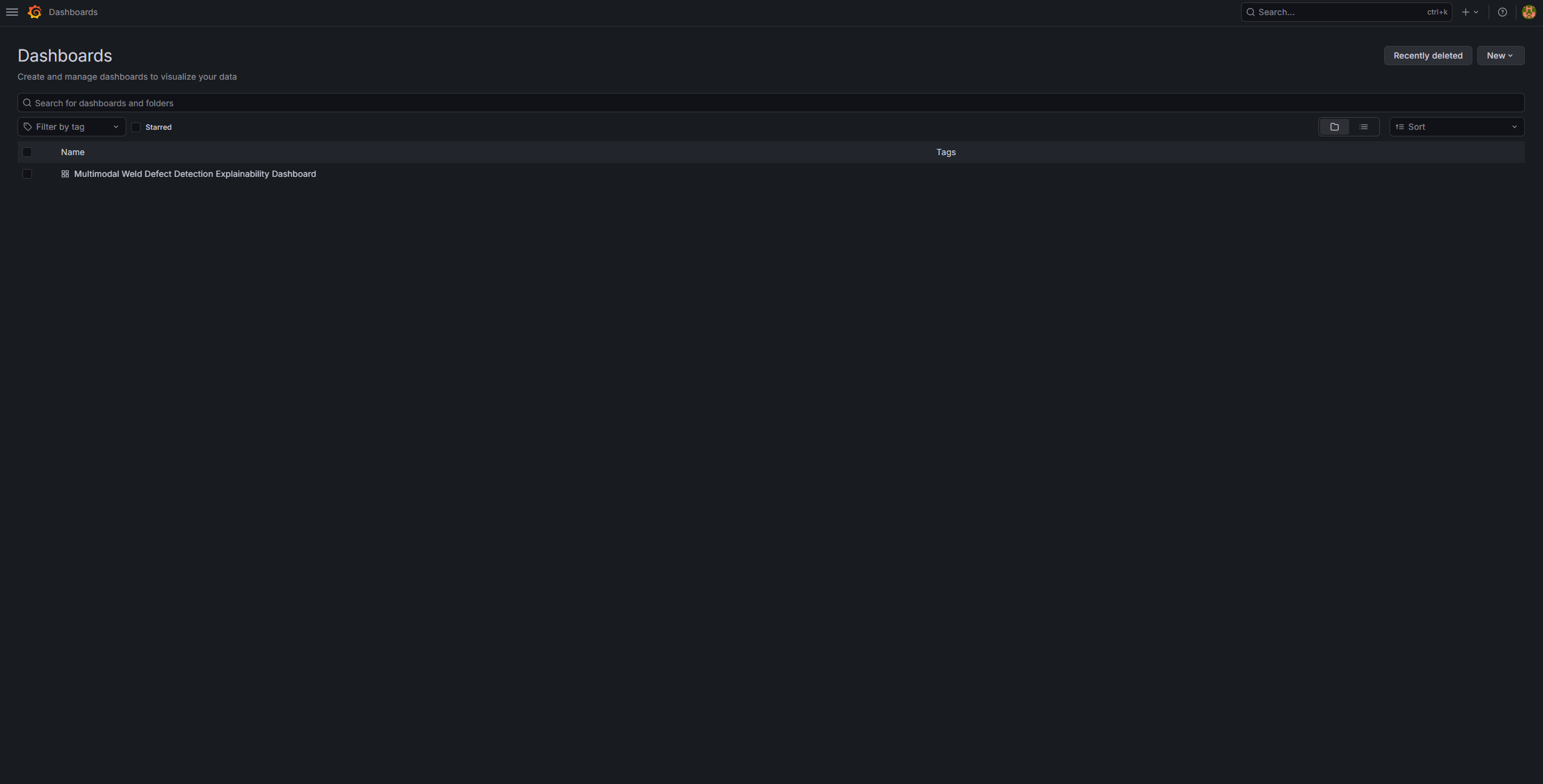
Select Multimodal Weld Defect Detection Explainability Dashboard:
The following appears:
Stop the Deployment#
To bring down the full stack:
cd industrial-edge-insights-multimodal
make down
Troubleshooting#
vllm-serverstartup delay after deployment Thevllm-serverservice can take about 10 minutes to fully come up aftermake up_vllm. This is expected as the model initializes and loads into memory.Error: configs/vllm/models directory does not exist.Create the directory and place the required model artifacts in it.Error: configs/vllm/models directory is empty.Add model files and checkpoints before runningmake up_vllm.HOST_IP is not setorHOST_IP is not a valid IPv4 address format.UpdateHOST_IPin.envwith a valid IPv4 address.Username and password validation failures from
check_env_variablesUpdate.envvalues so they match the Makefile validation rules.